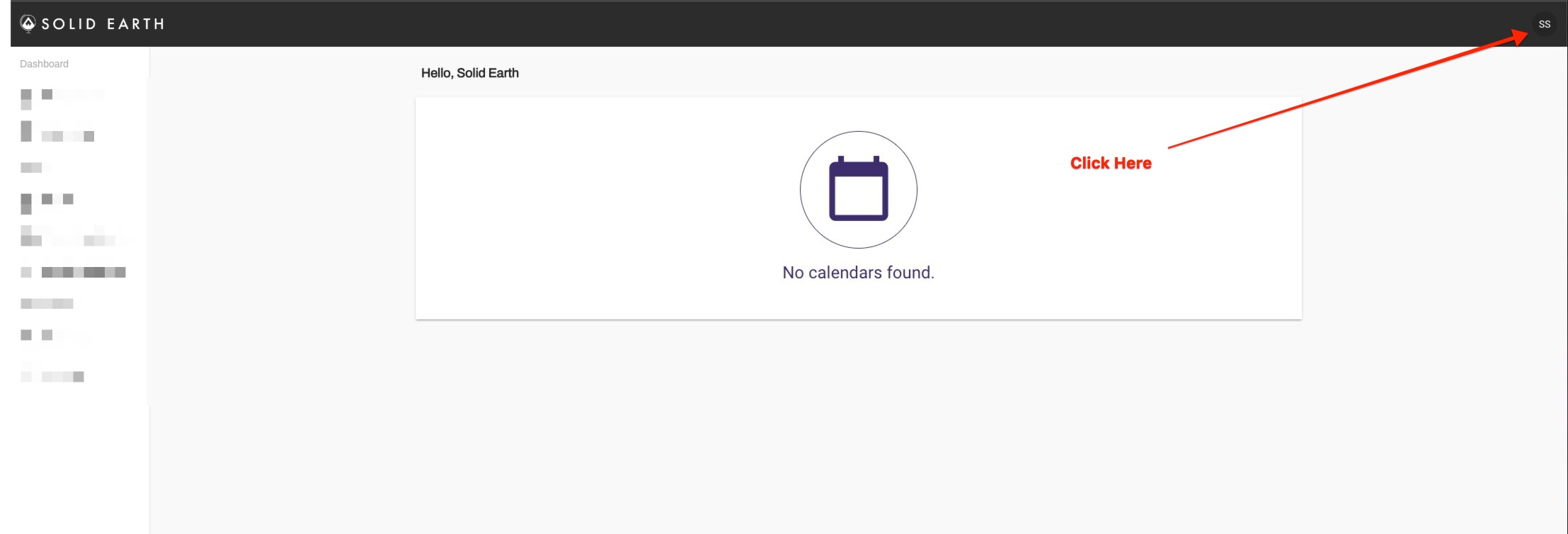
Once you are logged into mySolidEarth click on your photo in the top right.
Then click "My Account"

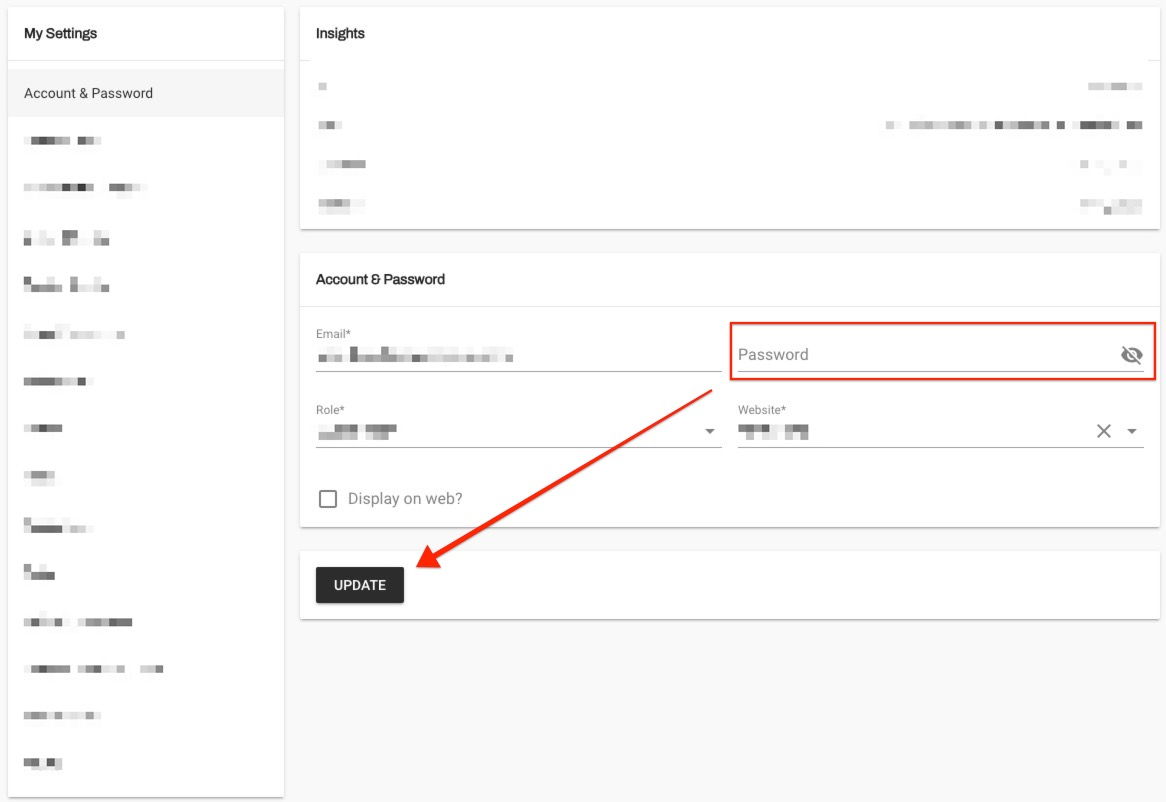
Enter a new password then click "Update"

Once you are logged into mySolidEarth click on your photo in the top right.
Then click "My Account"
Enter a new password then click "Update"