If you are not sure of your current password, you can get a link sent to your email to set a new password.
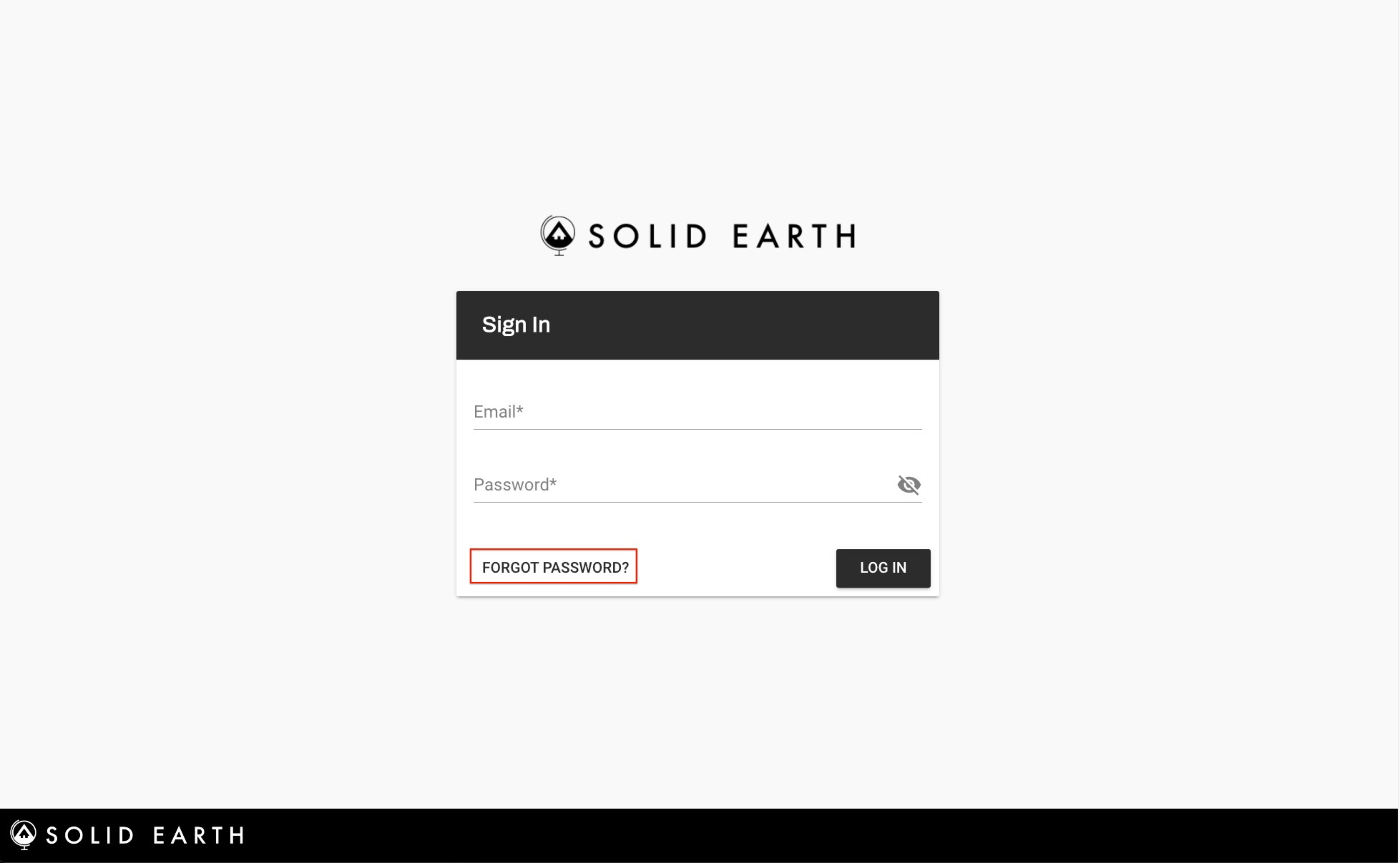
First, click on "FORGOT PASSWORD"
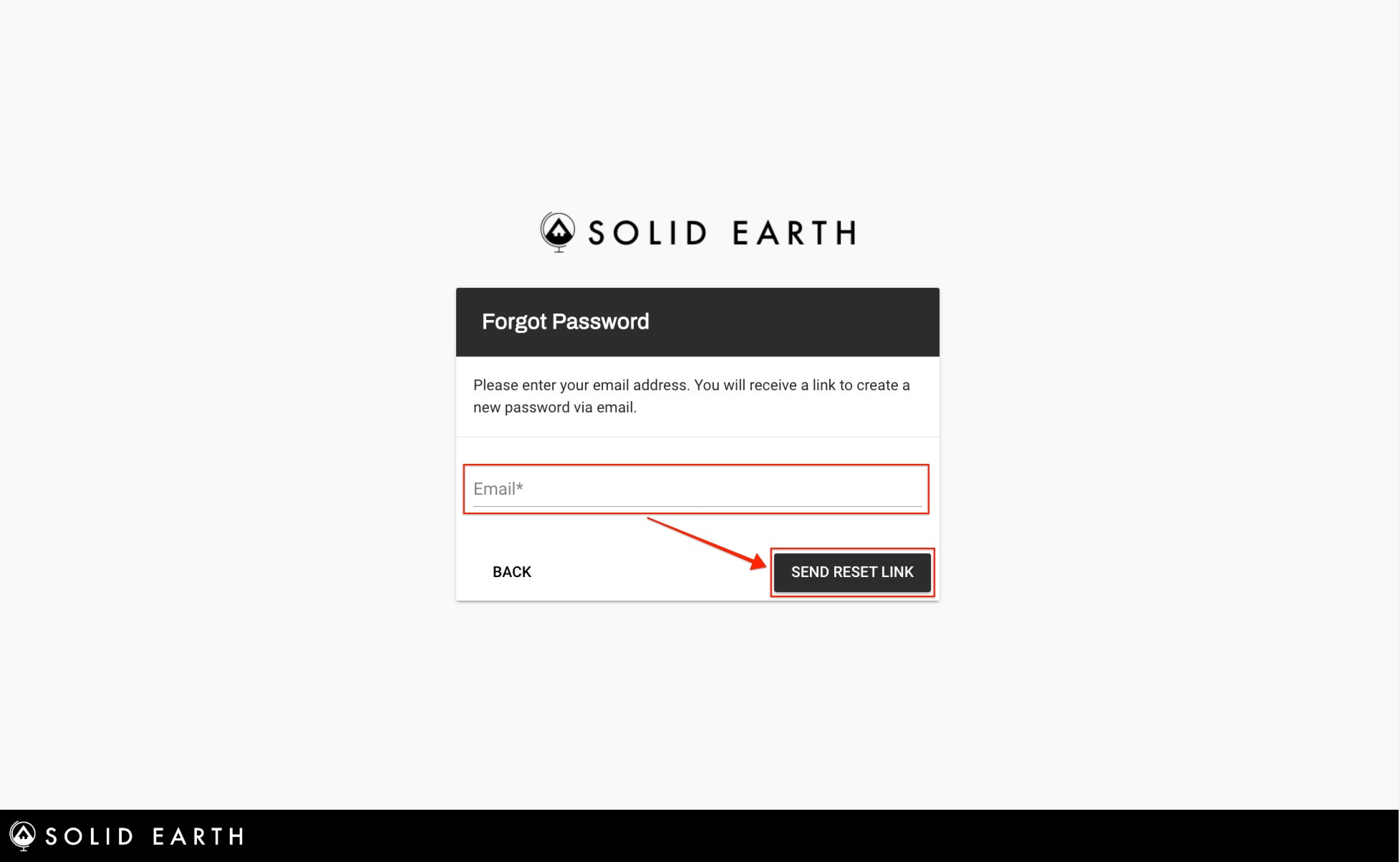
Then, enter the email that you use to log in to mySolidEarth and click "SEND RESET LINK"
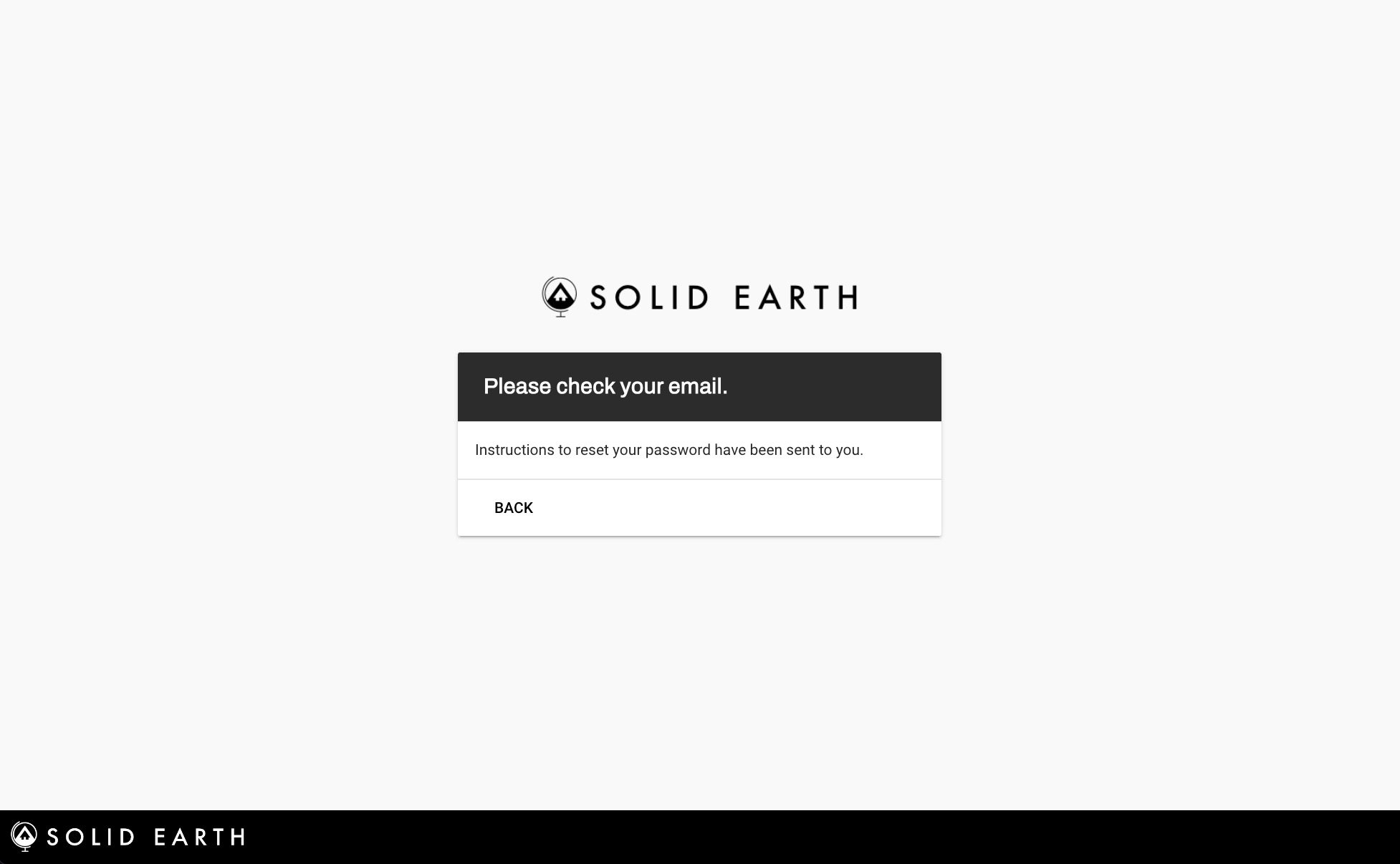
Check your email box from mySolidEarth.
The Subject of the email will be "Your Password Reset Instructions"
If you do not see the email in your inbox make sure to check your spam folder!