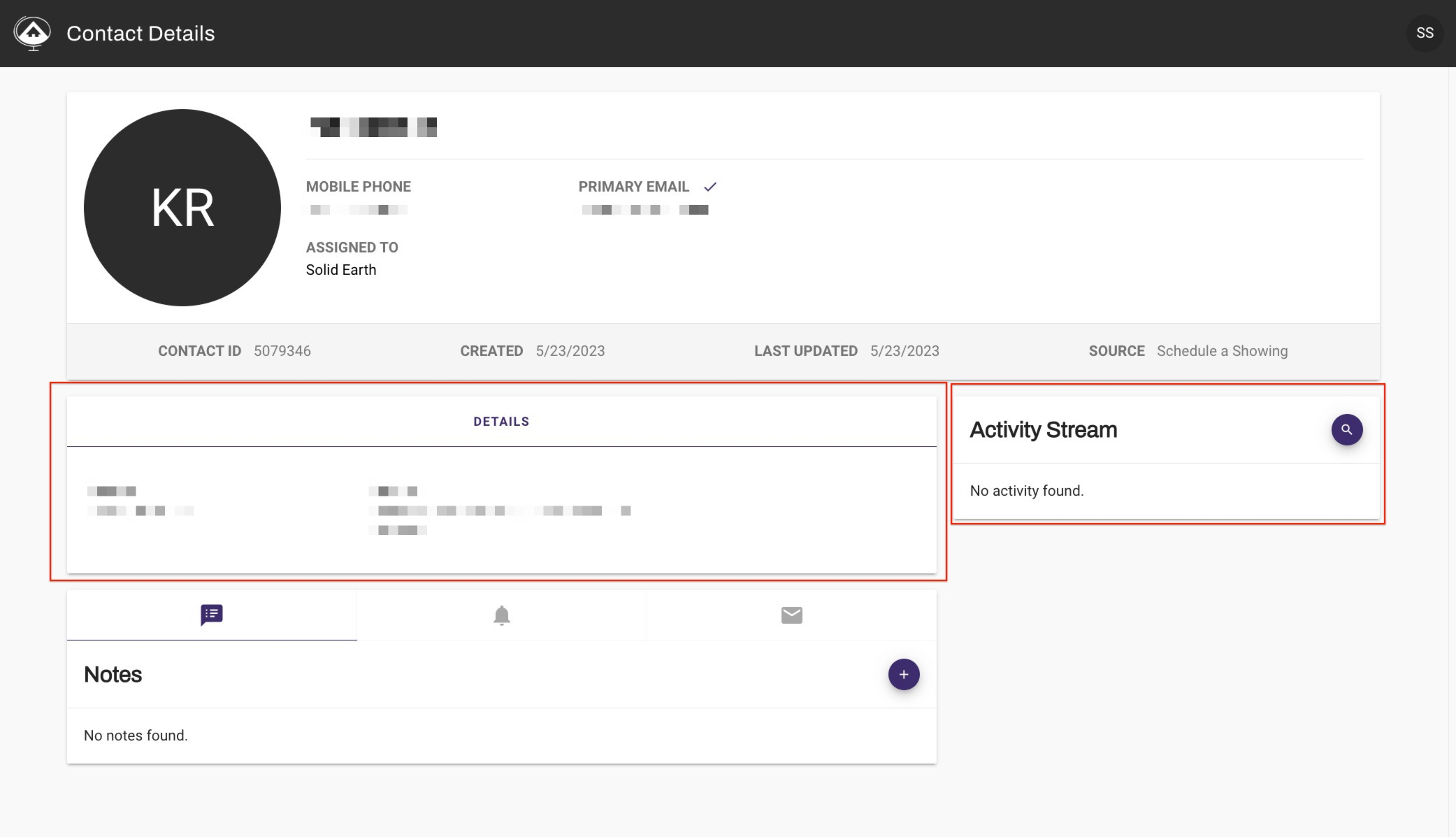
When you receive a new lead you will receive an email with the leads details.
There will also be a link that will take you to the leads details in mySolidEarth.
Once you click the link you may be prompted to log into mySolidEarth.
Log in mySolidEarth

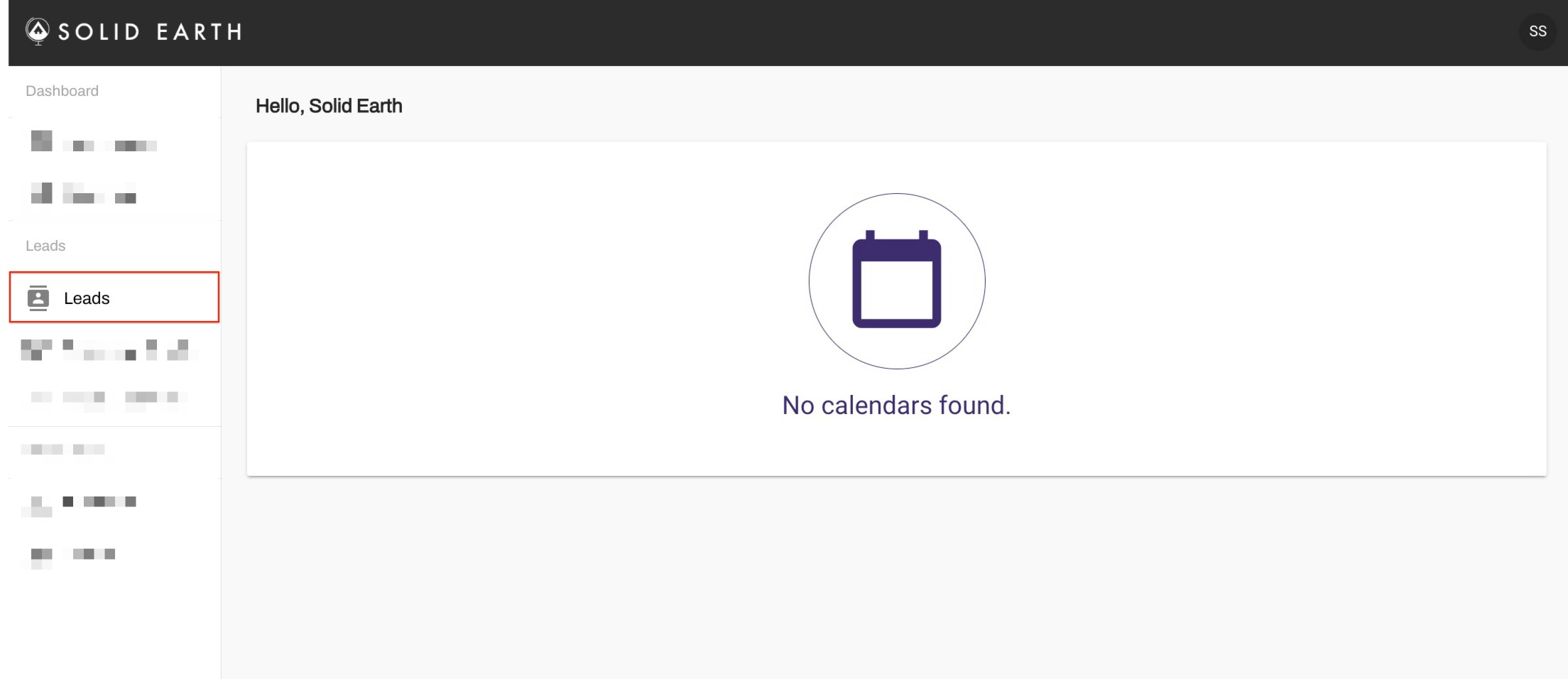
Click on Leads from the menu on the right
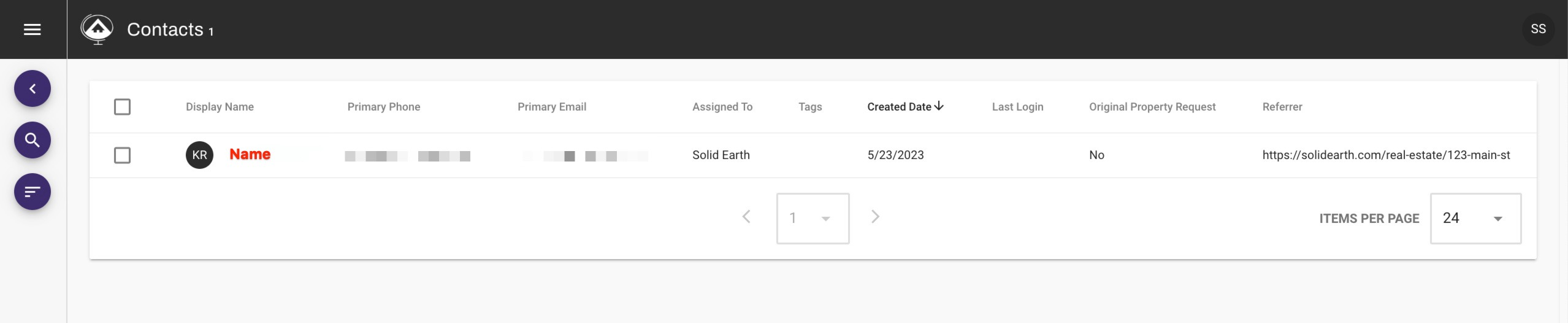
Find the contact you would like to review and click on their name, you can click on the magnifying glass to search your contacts.
Here you will see the details and website activity