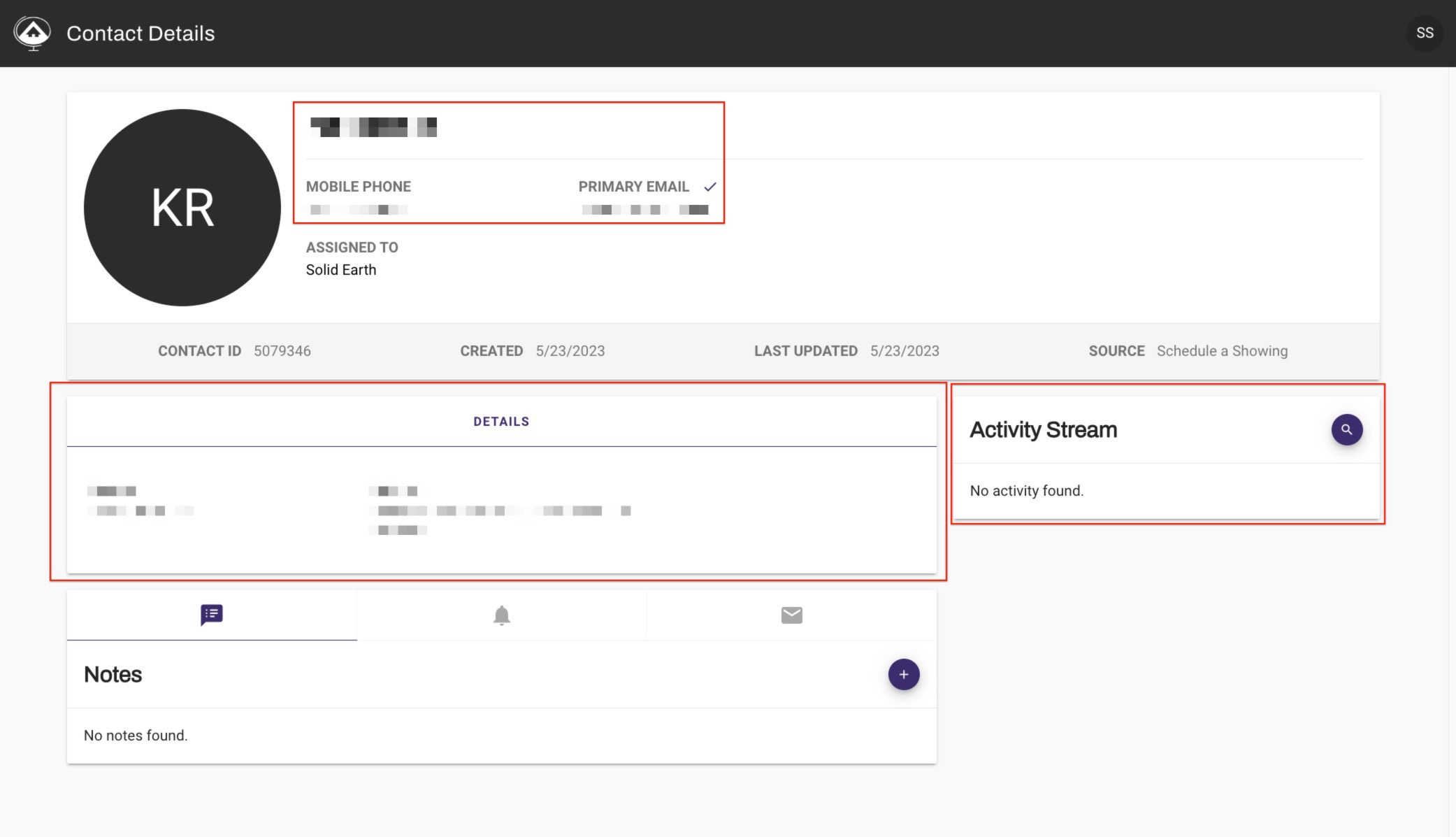
Office With Acceptance Lead Routing:
If your office has acceptance leading routing enabled you will receive an email notifying you that you have a lead that you can claim.
In the email there will be a link in the to claim the lead within the time frame specified. One you click the link the new contact will be available for you in the contacts section on mySolidEarth
Office with Direct Assignment:
When a lead is assigned to you, you will receive an email from mySolidEarth
If your office auto-assigns you will see the new lead's information in the email sent to you.
There will also be a link to the contacts profile in mySolidEarth.
___________________________________________________
Accessing your contacts from mySolidEarth:
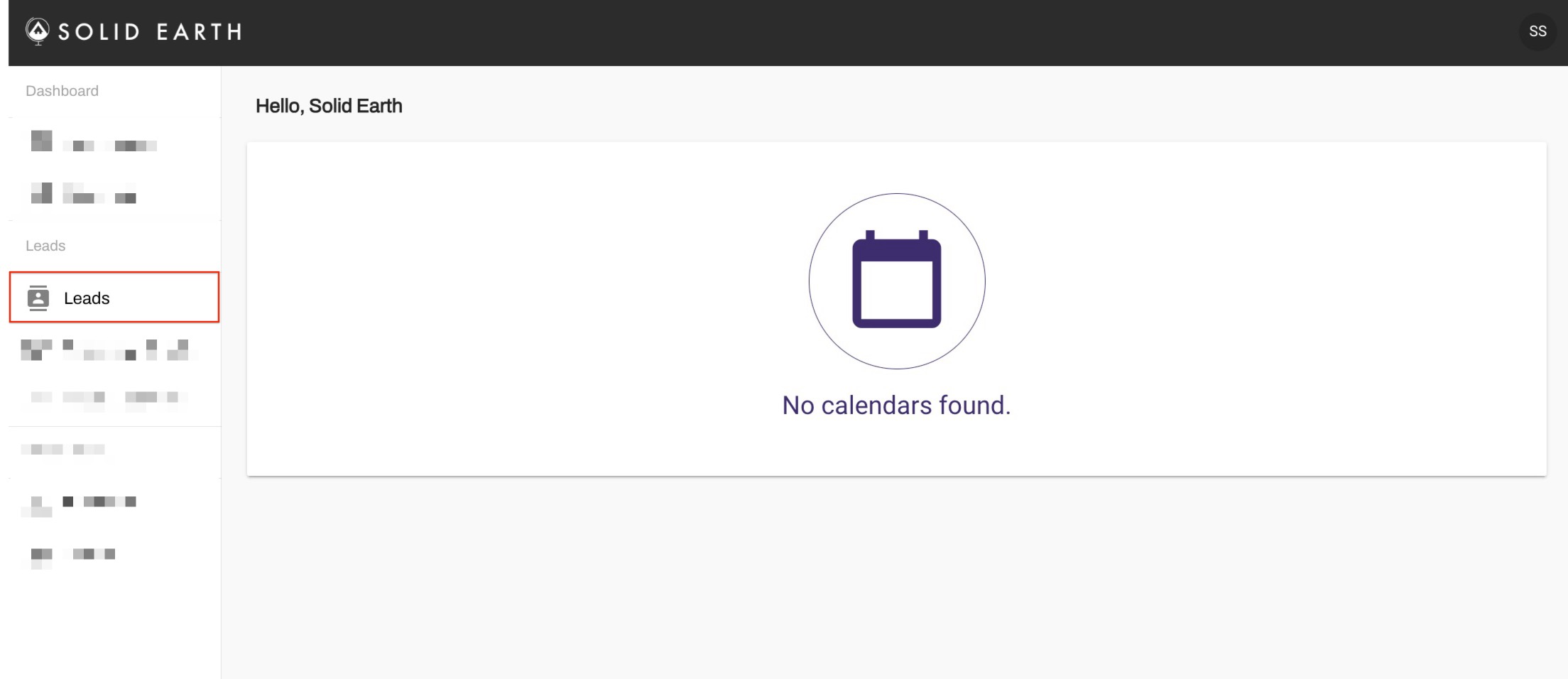
From the Dashboard click on Leads from the left menu
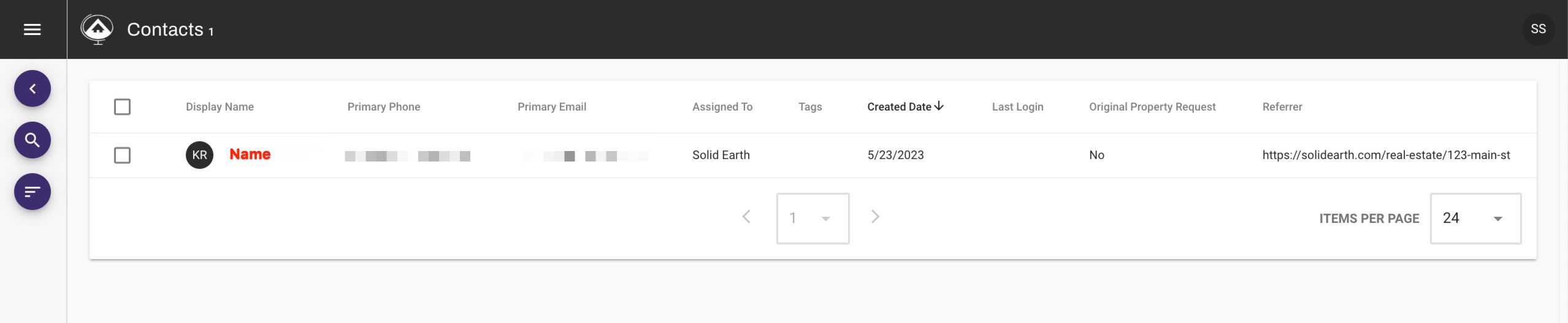
Leads are auto-sorted with the newest leads first, click on the lead name to review the contact details.
View All of the details avalabe here: