
If your MLS or Association just signed up with Solid Earth you may have an email with a link to log in the first time.
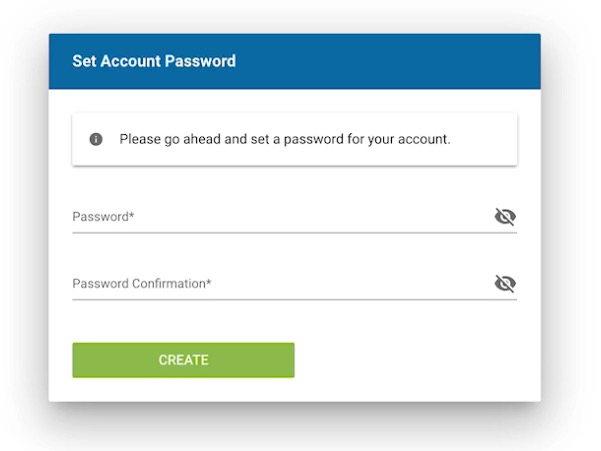
Once you click that link you will taken to the your mySolidEarth with a screen prompting you to set a password
If this is not your first login or you are unable to find your email visit your MLS or Associations mySolidEarth URL
It will look something like this .mysolidearth.com
You can then click the Forgot Password link shown on the login screen.
Here is an article on the Forgot Email Process: https://support.solidearth.com/forgot-password