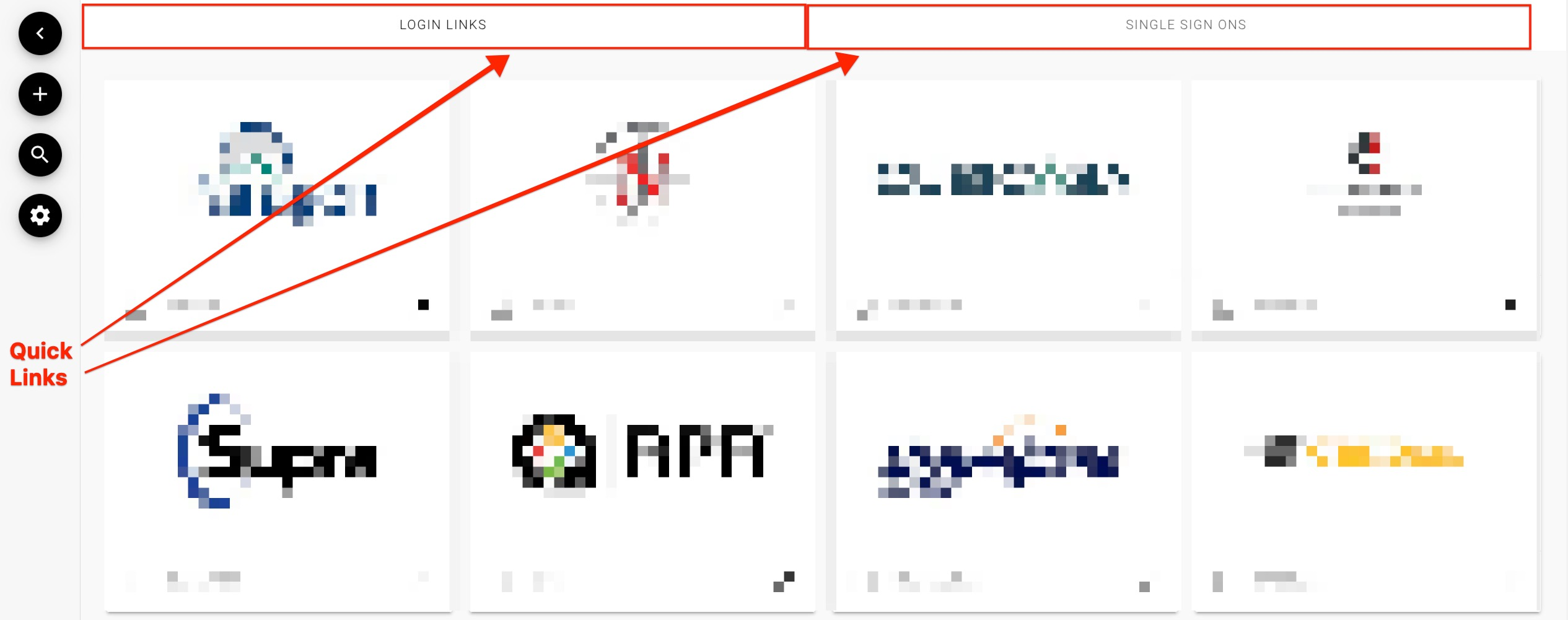
Once Logging in you will land on the Resource Dashboard.
You can then click on the Resource that you are looking to access.
If the Resource is a Single Sign On you will be auto logged into their system.
If the Resource is a Link button you will be prompted to log in using your credentials for their system.
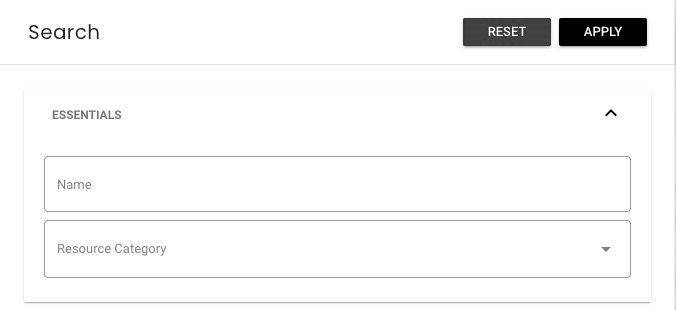
You can also use the search function by clicking the magnifying glass from the menu on the left.

You can search by the name of the Resource or by the Category that you are looking for.
Your MLS/Association may also have Quick Searches that you will see at the top of page, these will be frequently used categories by fellow members.