
You can set up two types of alerts for your leads, enhancing their experience and engagement with your services. The first type of alert is the Saved Search, which proactively notifies leads about new property listings that match their specified criteria. This tailored approach not only keeps them informed about the latest opportunities but also helps them stay ahead in a competitive market.
The second type is the Market Update, which provides leads with valuable insights into market trends and statistics relevant to their search preferences. These alerts are designed to be informative, ensuring that leads receive timely updates directly to their email inboxes.
Additionally, you will have the ability to monitor engagement on your leads' profiles, as you can track their activity when they click on the links included in these emails. This feature allows you to better understand your leads' interests and tailor your follow-up accordingly, ultimately fostering stronger relationships and increasing the likelihood of conversion.
You will find Saved Seach and Market updates on the Contact Details page. To get started creating Lead Alerts follow the steps below:
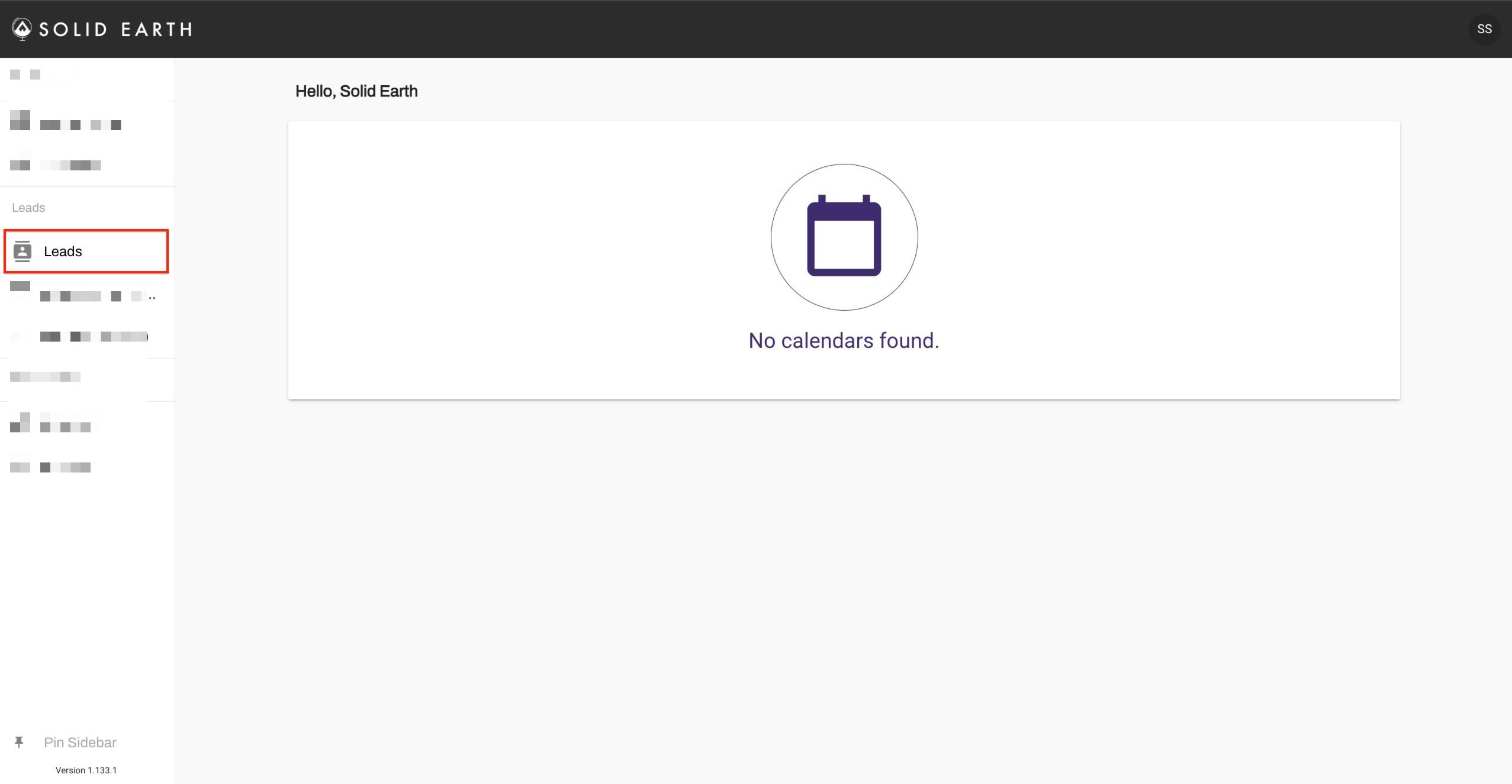
1. Click on Leads from the menu on the left.
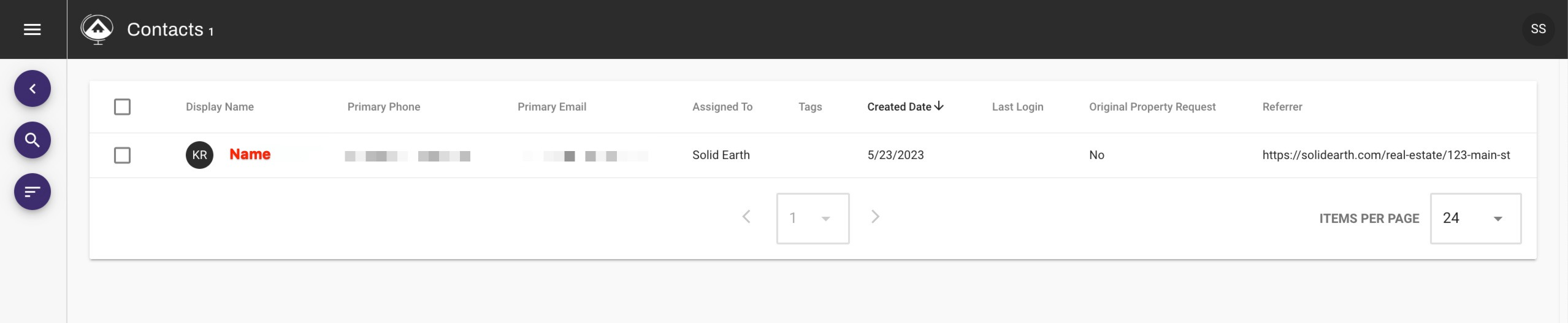
2. Then locate the lead you would like to add an alert for and click their name:
3. Click on the bell icon

4. To create a new Alert click on the + next to the alert you would like to create.
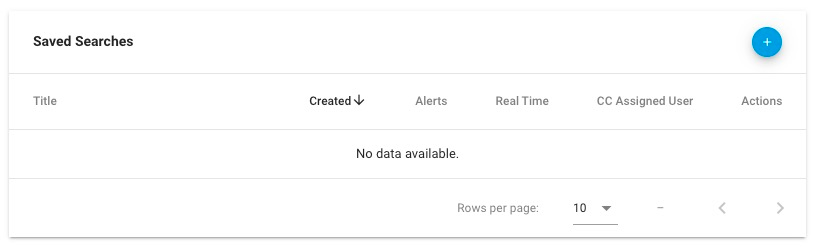
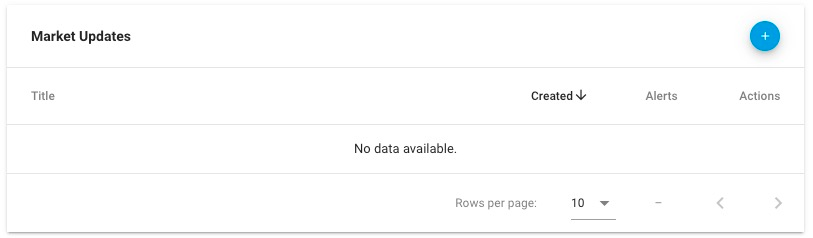
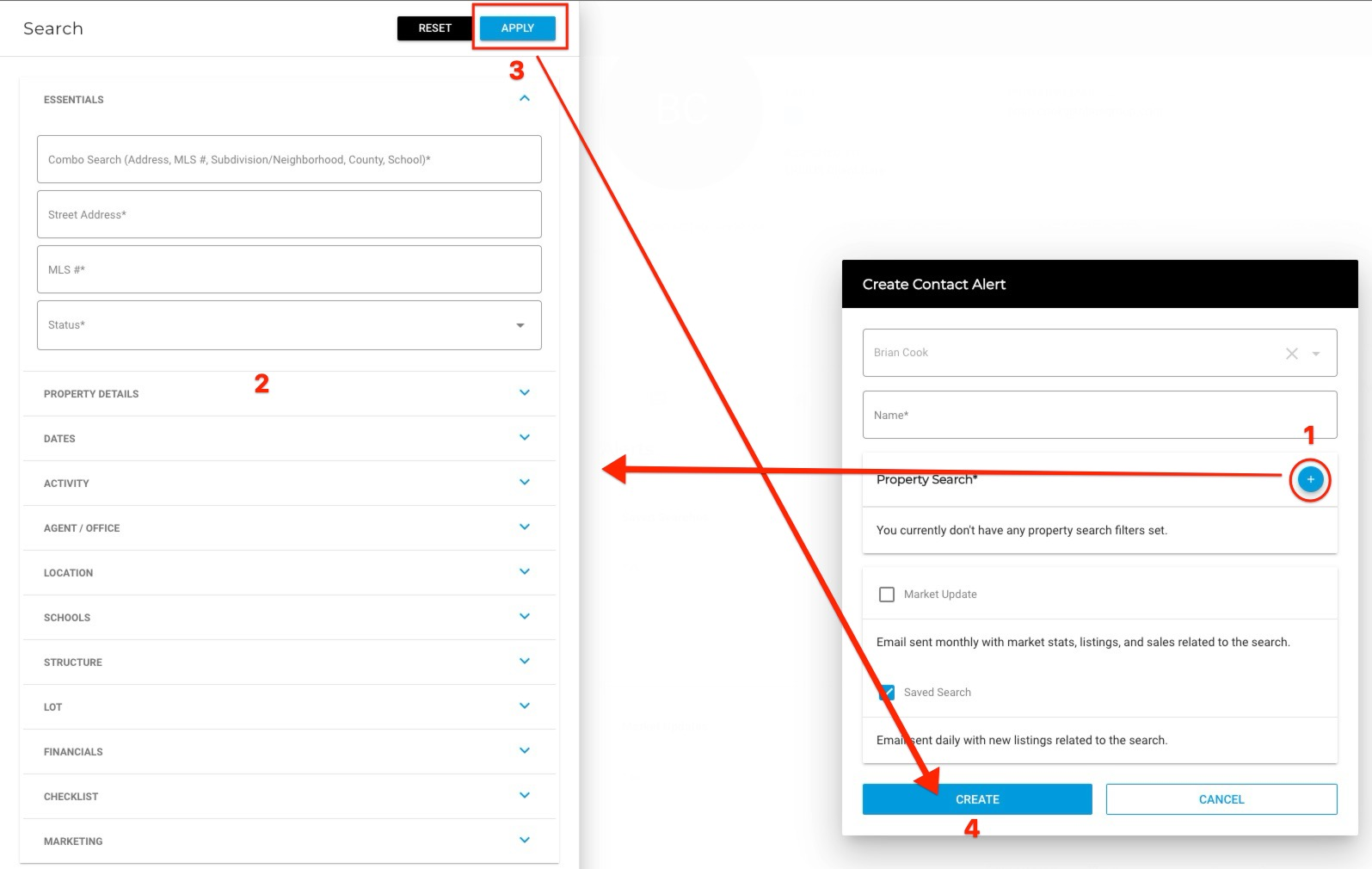
5. A new menu will pop up where you can Name the search, add filters and choose on or both alerts types

6. Setting up your filters: Click the plus to open the filter menu, click apply once you have input some filters, and then click create. Your lead is now set up to receive alter emails!
What are these alerts and how do they work?
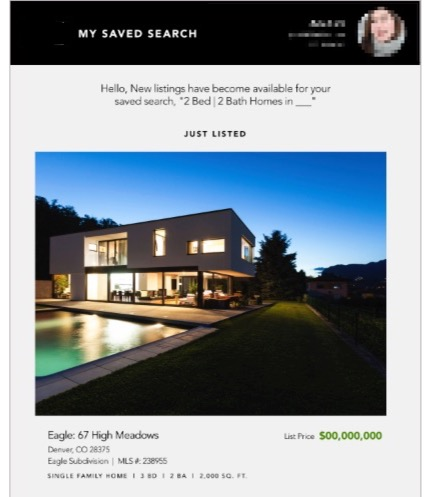
Saved Search - This alert will send out an email to your lead daily with new listings matching the search you created.
*note that this alert does not immediately send out an email with all listings currently on the market, it will only trigger when a new listings matches the search.
Save Search Example:
Market Update - This alert will send out a snapshot of the market stats for the custom search that you create. These emails are automatically sent out at the end of each month when set up.
Market Update Example:
